My notifications
SJAG Events notifies you whenever an action affecting your account, your duties, or events you are on, and more depending on your system roles. These messages are delivered in three ways:
- The system notification (My notifications) page found by clicking the bell icon in the top bar.
- Email notifications delivered automatically to the email address assigned to your account.
- Push notifications [BETA] once permission has been given, are delivered directly to your mobile device (when saved on the home screen) or desktop browser.
To enable push notifications, follow the instructions in My profile
Both email and push notifications contain a link to the notification on the system notification page, which serves as the main store of all of your notifications.
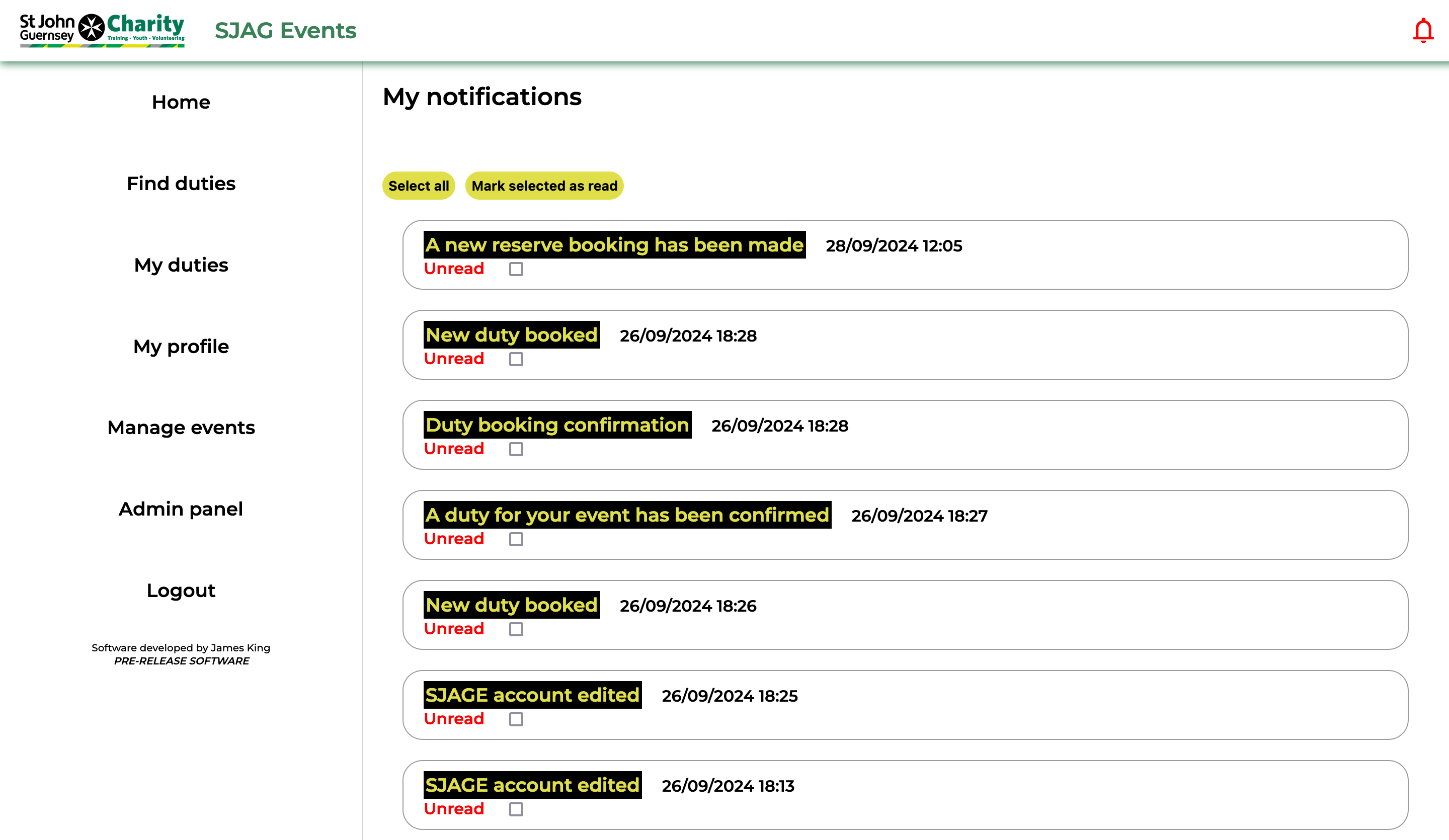 |
All of your notifications are shown as info bubbles, with the most recent at the top. Clicking on the info bubble will open up that notification. A red message indicated that you have not yet opened that notification on the system, and a checkbox will be shown for selection.
You can select unread messages manually, or by using the select all button at the top of the page, to mark them as read by clicking the 'Mark selected as read' button. |
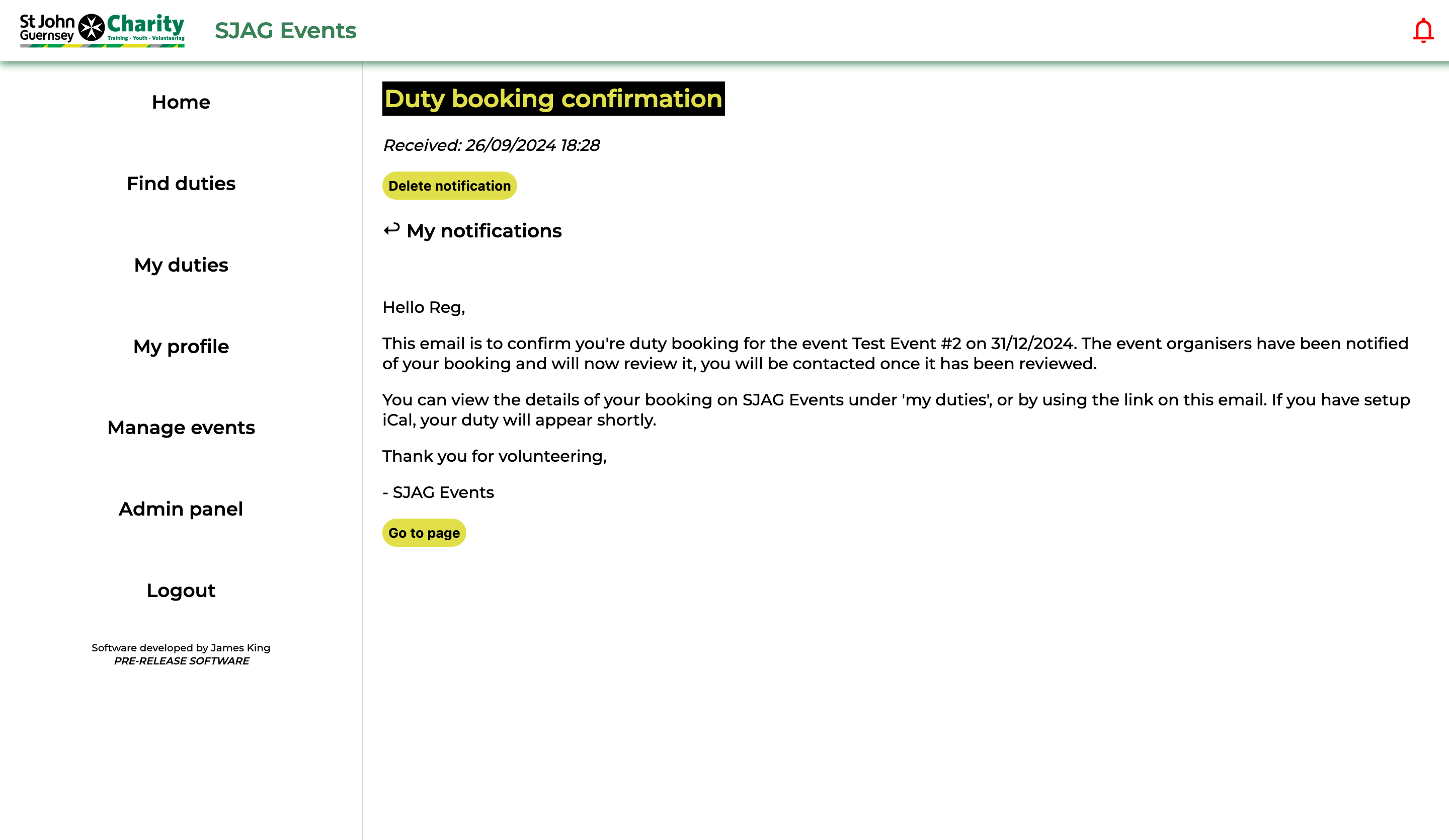 |
The notification is displayed on the page, clicking the back button will return you to the 'My notifications' page. Clicking 'Delete notification' will permanently delete that notification from the system.
On some emails, clicking 'Go to page' will take you directly to the related page on the site. |