
Find duties
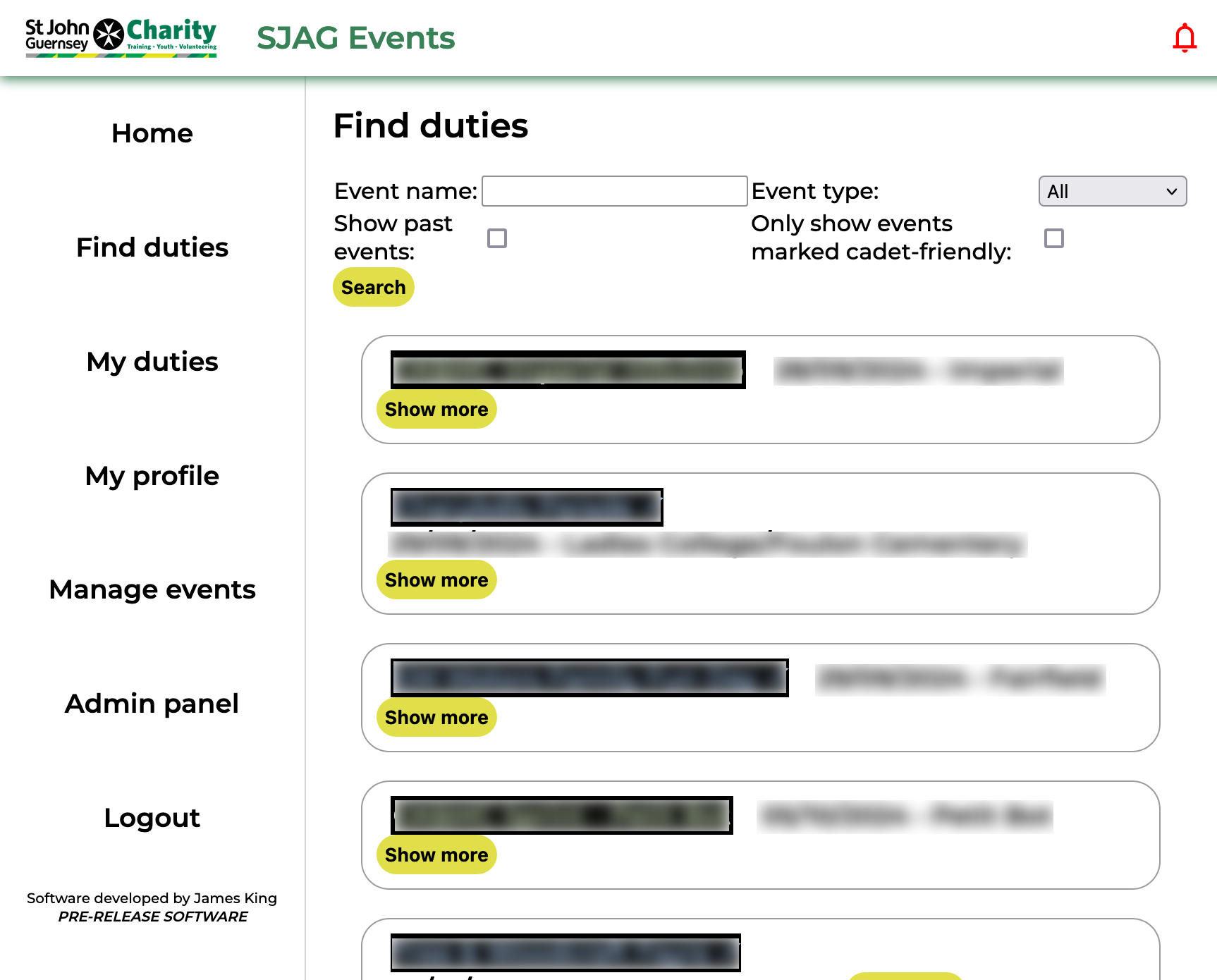 |
The find duties page displays all available duties on the system. From here, you can search through events to find duties to book onto.
Duty names are colour coded according to the type of event, using the same key as the paper duty lists: SJAG in blue, EAS in green, and joint events in red. Events may also display a check mark in their name; this indicates that the event has been marked as cadet friendly, and that cadets are able to sign up for that duty if they wish.
By default, the page will display all available upcoming duties, however this search scope can be expanded and refined.
Each event is displayed in an "info bubble". To prevent overcrowding, these are collapsed by default, only showing basic information. Clicking on the 'Show more' button will expand the bubble to show more information. |
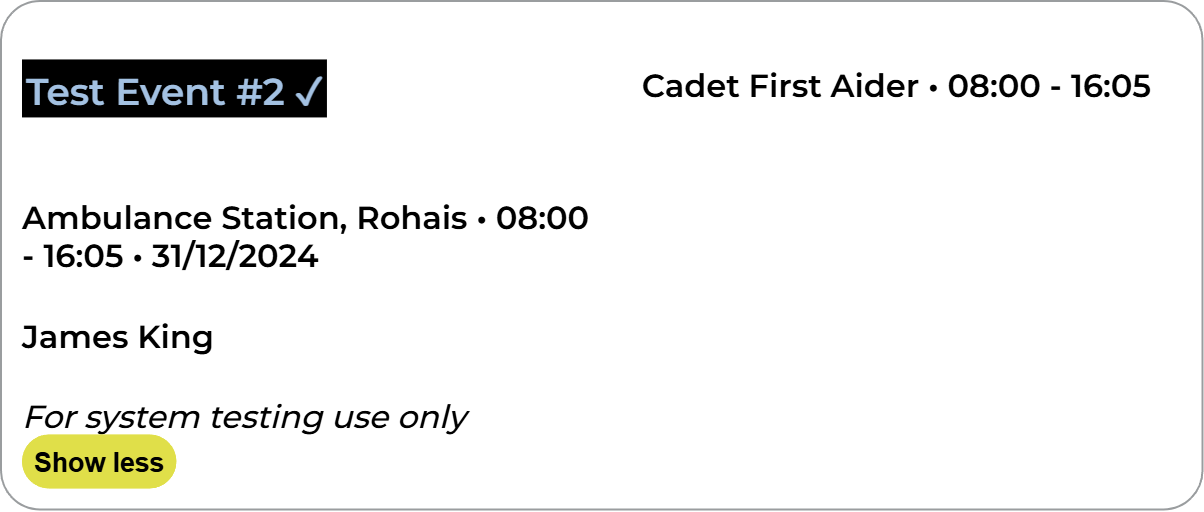 |
Clicking anywhere in the bubble will open up the event page, this contains more information on the event and is where you are able to make bookings.
Clicking on the event organiser name will open your default email app on your device, with a new email to the organiser's address.
Clicking on a duty requirement, displayed on the right side of the bubble, will open up that requirement's booking page. From there, you can make a booking for that requirement if you have the correct role. |
No comments to display
No comments to display