
View, approve & edit reserve duty
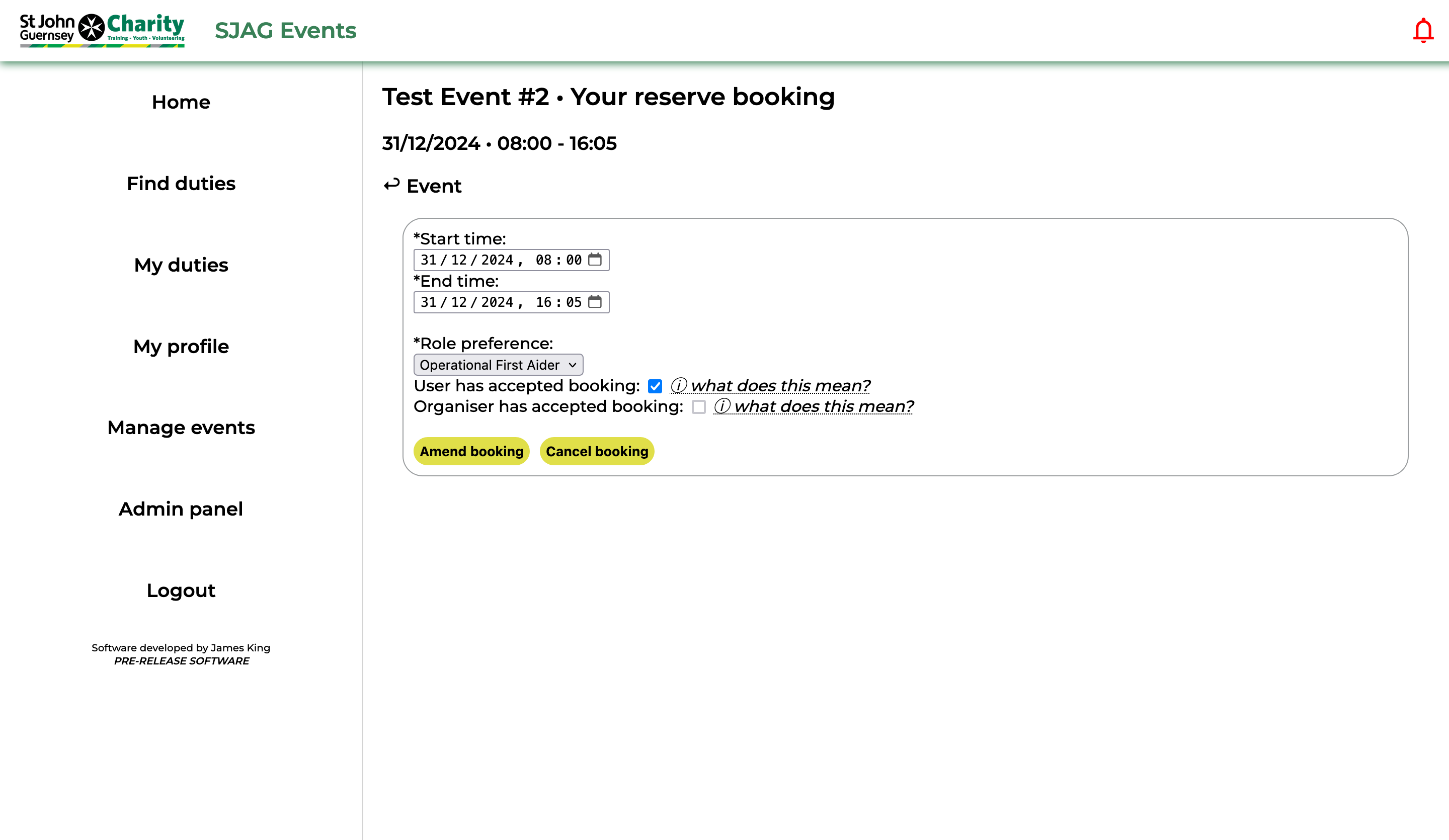 |
Editing a reserve duty is similar to editing a requirement based duty booking.
Alter the values in the input boxes to change your start, end time, or role.
To approve a duty after an event-organiser modifies it, check the 'User has accepted booking' box.
Click 'Amend booking' to save your changes.
Alternatively, click 'Cancel booking' to cancel your duty.
Note: if the event organiser has already accepted your booking and you amend it, re-approval will be required. |
No comments to display
No comments to display