
Manage cadet
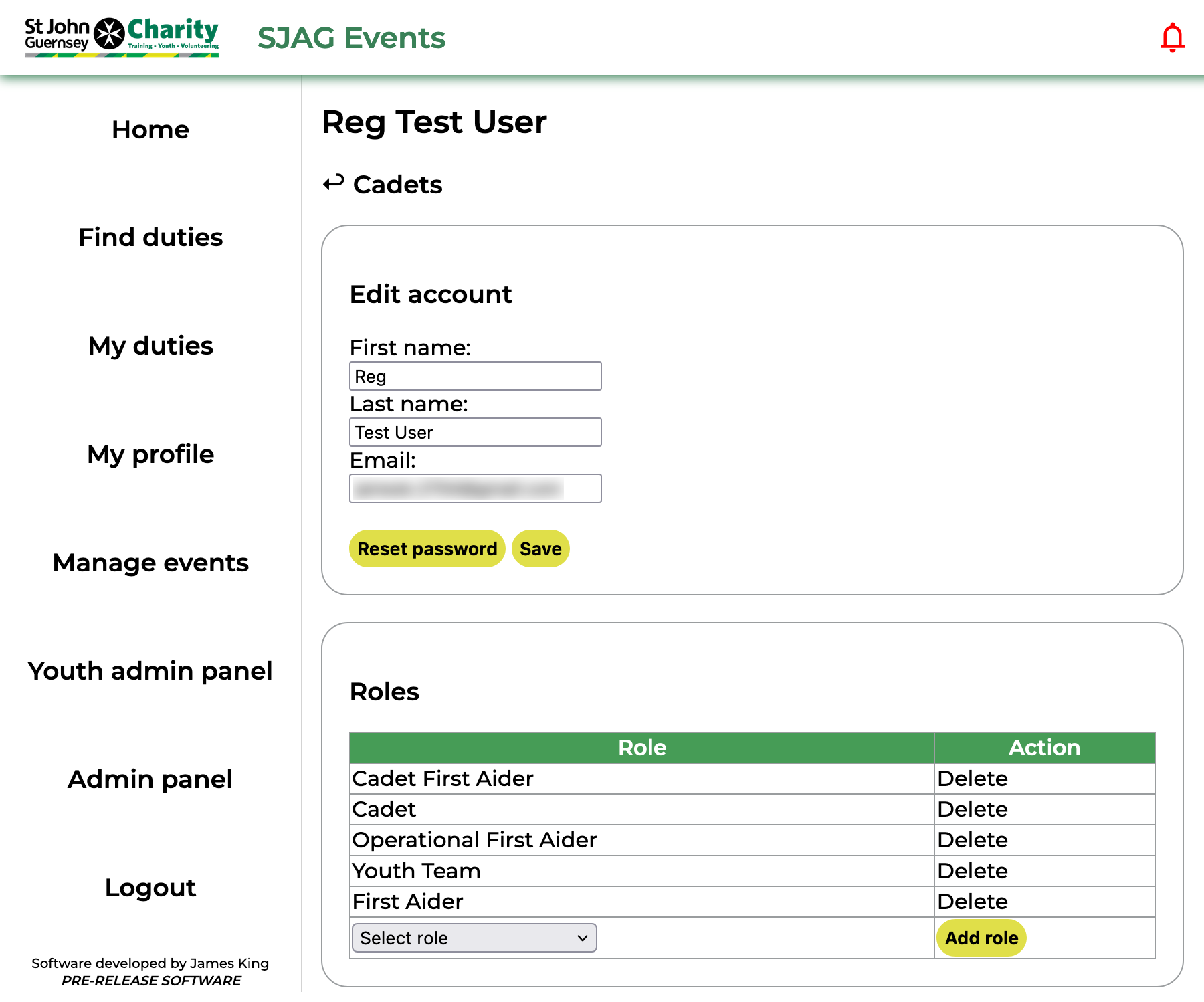 |
Youth admins are granted permission to alter some of the information on a cadet's SJAG Events account. This includes changing their name, email, and resetting their password. This can be done in the first box of the 'Manage cadet' page. Make sure to press the 'Save' button after making any edits to their personal details.
In the second box, youth admins are also able to remove and add cadet roles. Clicking 'Delete' next to a role in the table will remove that role from the user, selecting a role from the dropdown and clicking 'Add role' will add it. |
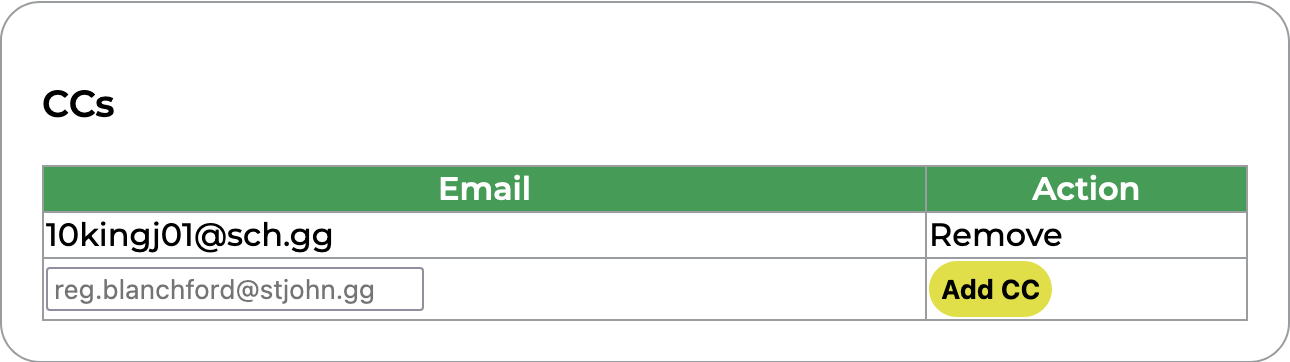 |
CCs can be added to cadet accounts. These are additional email addresses which will be carbon-copied into all emails sent from SJAG Events to that user. However, these addresses cannot be used to access SJAG Events or will be displayed to any other users on the system. CC addresses can also be removed by clicking the 'Remove' button next to them in the table. |
 |
The duties table shows all the duties the cadet has signed up for and their approval status. Clicking the 'Review' button will open the review page for that booking. |
No comments to display
No comments to display