
Youth admin event view
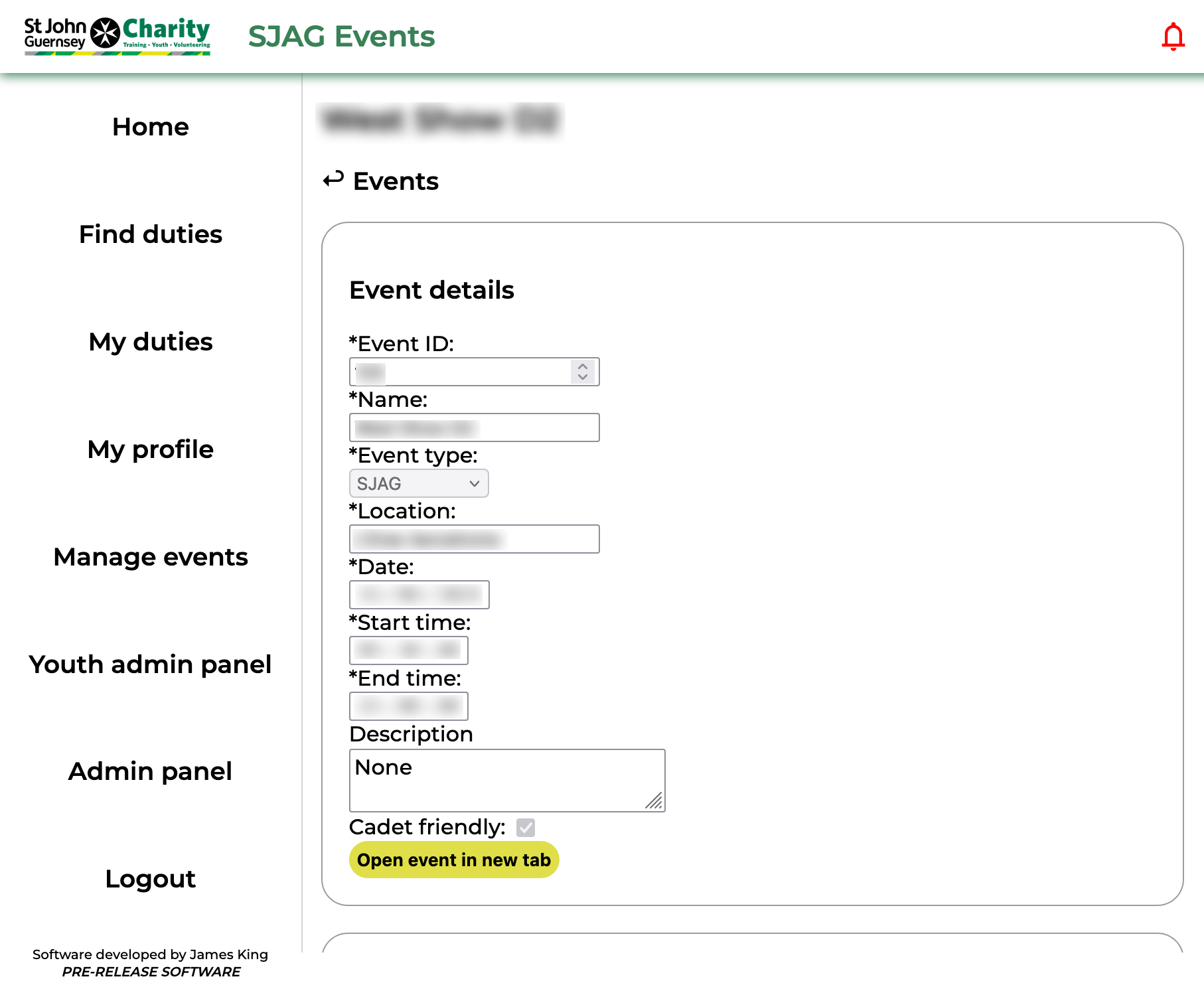 |
The 'Youth admin event view' page shows information on an event a cadet has made a booking for. This includes the date, times, and location of the event. Clicking the 'Open event' button will launch the event overview in a new tab, where details about adult cover can be found. |
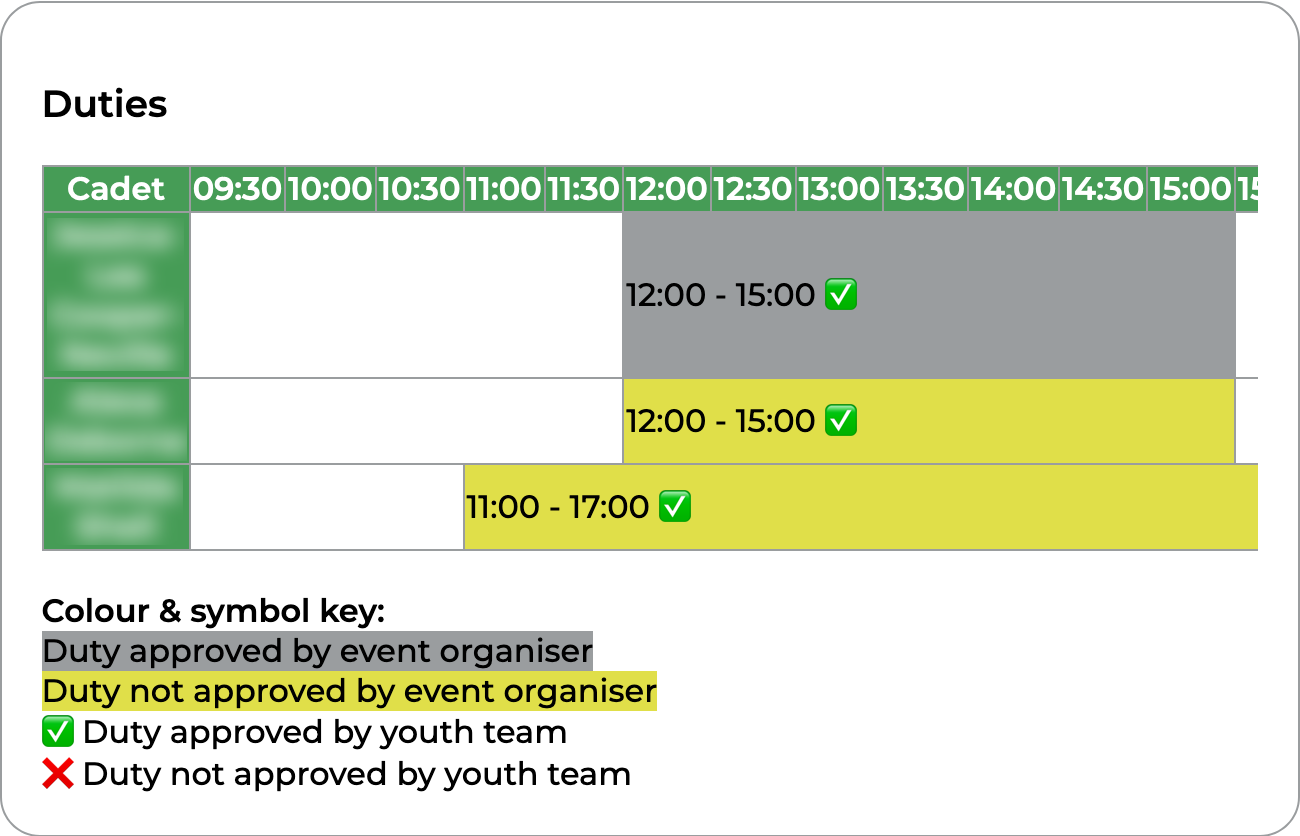 |
The duties timeline in the second box displays all the cadet duties in chronological order. Duties marked in yellow have not been approved by the event organiser, those in grey have. In addition, a tick indicates that the duty has been approved by the youth team, and a cross indicates that it has not yet been approved.
Clicking on a duty in the timeline will open the review page for that duty. |
No comments to display
No comments to display