
My duties
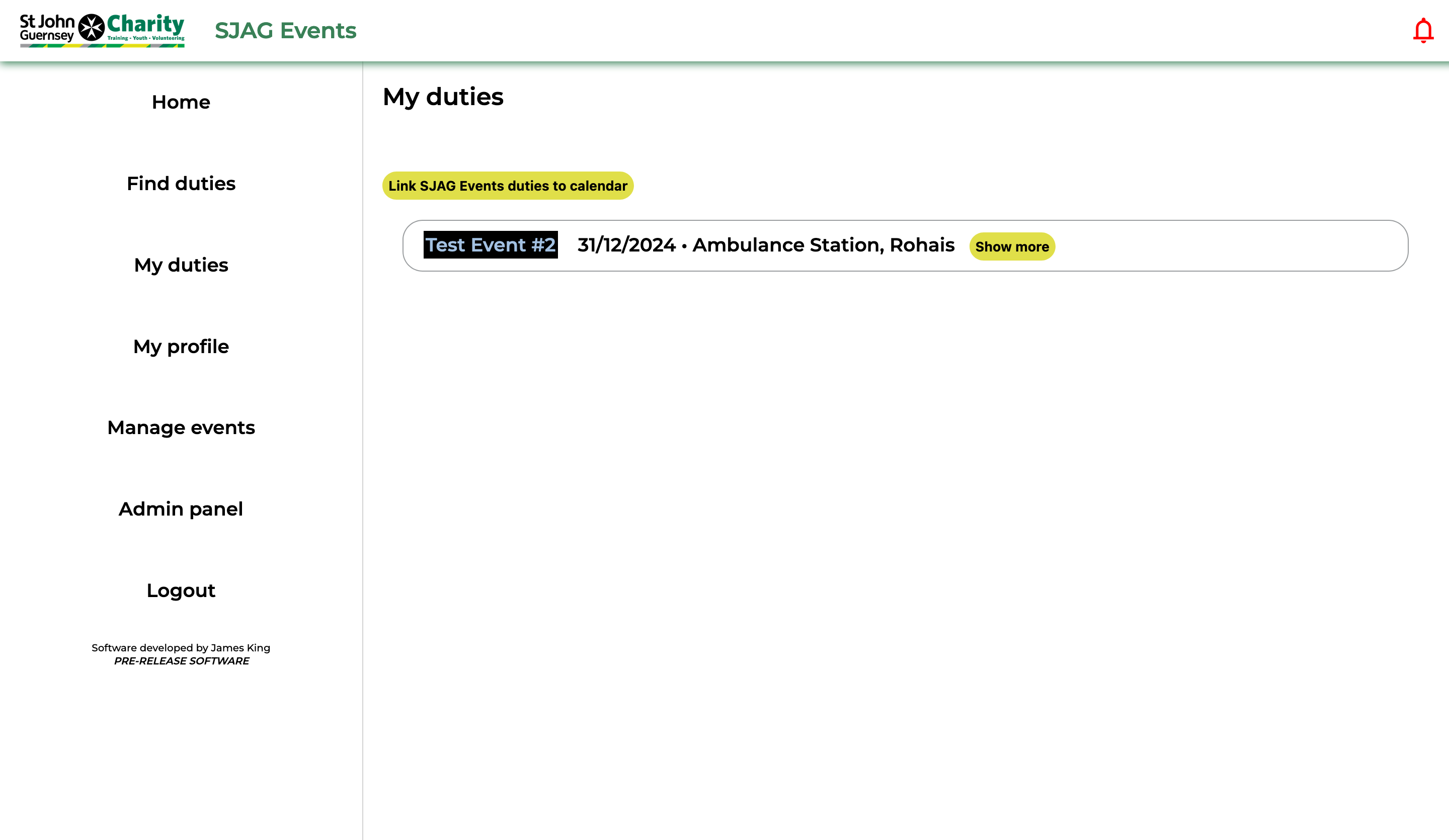 |
The 'My Duties' page displays all the requirements and reserve duty bookings you have made on the system.
Duty names are colour-coded according to the type of event, using the same key as the paper duty lists: SJAG in blue, EAS in green, and joint events in red.
The 'Link SJAG Events to calendar' button will take you to the iCalendar feature page. |
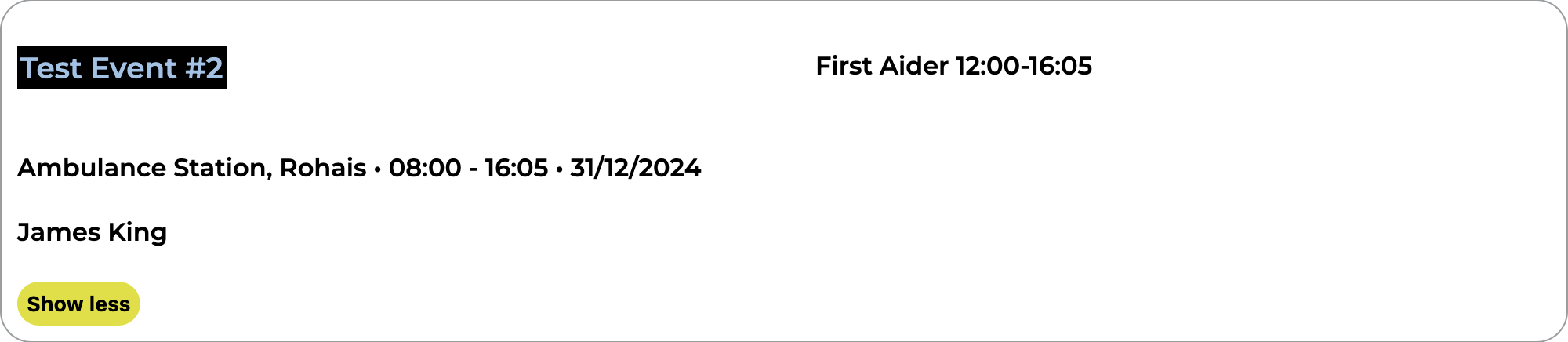 |
Each event is displayed in an "info-bubble". To prevent overcrowding, these are collapsed by default, only showing basic information. Clicking on the 'Show more' button will expand the bubble to show more information.
Clicking anywhere in the bubble will open up the event page, this contains more information on the event and is where you are able to make bookings.
Clicking on the event organiser name will open your default email app on your device, with a new email to the organiser's address.
Your booking is shown on the right side of the bubble, clicking on this will take you directly to the edit duty or edit reserve page - depending on the booking type. |
No comments to display
No comments to display